
What is Schema Markup?
Schema markup (aka structured data) is code that tells Google "Here's what this page/content is about."
Without schema: Google reads "Link Building for South Africa" and tries to figure out if it's a blog post, product page, news article, etc.
With schema: Google knows instantly "This is a BlogPosting about link building, published April 19, 2026, by NexusSEO, estimated 12 min read." Schema is one critical element of complete on-page SEO-see our full on-page SEO guide for how it fits into the bigger strategy.
Why Google Cares About Schema
- Faster understanding: Google indexes your content faster with clear schema signals
- Rich snippets: Display ratings, dates, read time, images in SERP (higher CTR)
- Voice search: AI assistants (Alexa, Google Assistant) use schema to answer questions accurately
- E-commerce: Product schema shows price, availability, reviews (more conversions)
BlogPosting Schema: Essential for Blog Posts
What BlogPosting Schema Includes
- headline: Your post title
- description: Meta description or excerpt
- datePublished: When you published (ISO format: 2026-04-19T10:00:00+02:00)
- author: Post author or organization name
- publisher: Your website/company name
- image: Featured image (1200x630px recommended)
BlogPosting Schema Template (JSON-LD)
<script type="application/ld+json">
{
    "@context": "https://schema.org",
    "@type": "BlogPosting",
    "headline": "Your Blog Title Here",
    "description": "Your meta description or excerpt",
    "url": "https://yourdomain.com/blog/post-title/",
    "datePublished": "2026-04-19T10:00:00+02:00",
    "dateModified": "2026-04-19T10:00:00+02:00",
    "author": {"@type": "Organization", "name": "Your Company Name"},
    "publisher": {"@type": "Organization", "name": "Your Company Name"},
    "image": "https://yourdomain.com/images/featured-image.jpg"
}
</script>
Where to Add BlogPosting Schema
Add to the <head> section of your post (above closing </head> tag). Most WordPress plugins do this automatically (Yoast, Rank Math).
FAQPage Schema: Rich Snippet Gold
Why FAQPage Matters
FAQPage schema generates a "rich snippet" in Google SERP showing expanded Q&A results. Users can click to expand answers without visiting your site.
Impact: Higher CTR (users see answers + want to learn more).

FAQPage Schema Template
<script type="application/ld+json">
{
    "@context": "https://schema.org",
    "@type": "FAQPage",
    "mainEntity": [
        {
            "@type": "Question",
            "name": "What is schema markup?",
            "acceptedAnswer": {
                "@type": "Answer",
                "text": "Schema markup tells Google what content is about..."
            }
        },
        {
            "@type": "Question",
            "name": "Does schema impact rankings?",
            "acceptedAnswer": {
                "@type": "Answer",
                "text": "Not directly, but indirectly through higher CTR..."
            }
        }
    ]
}
</script>
FAQPage Best Practices
- Include 3-10 questions per page (more = better coverage)
- Make questions concise (users scan them)
- Keep answers brief (2-3 sentences, expandable in SERP)
- Use actual FAQ section on your page (schema reflects real content, not hidden)
- Test with Google Rich Results Test before deploying
Schema Markup Benefits & SERP Impact
Rich Snippets: What They Look Like
- BlogPosting: Shows author, publication date, read time estimate
- FAQPage: Shows questions expandable in SERP (no click needed to see answer)
- Product schema: Shows price, ratings, availability
- BreadcrumbList: Shows site hierarchy (better navigation in SERP)
CTR Impact: The Real SEO Benefit
Scenario: Your page ranks #5 for "on-page SEO." With schema, it shows rich snippet. Without schema, it's plain text.
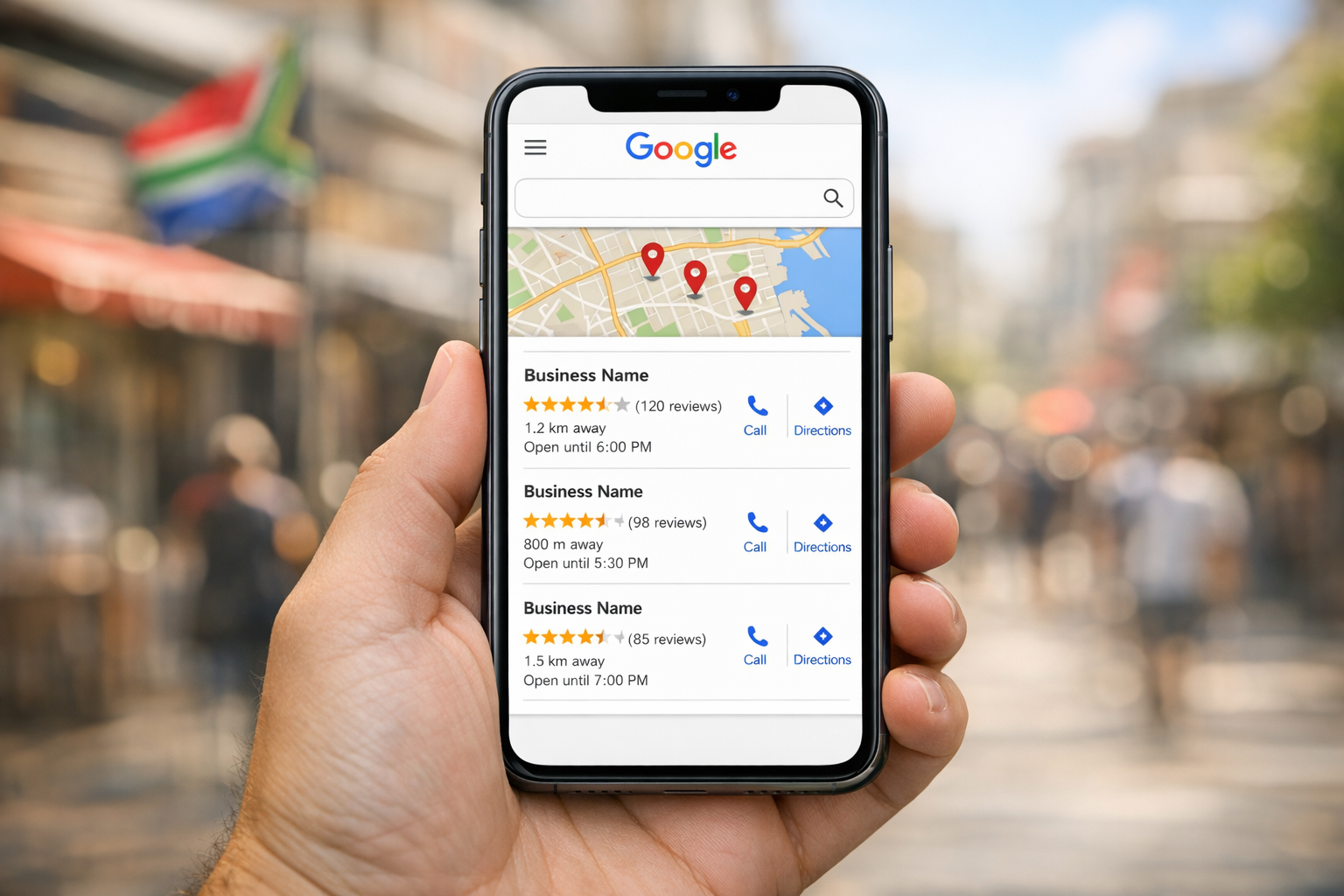
Result: Rich snippet can earn a higher CTR (users prefer rich snippets). Higher CTR signals relevance to Google. Ranking improves over time.
Schema Doesn't Directly Rank You, But...
- Improves CTR (indirect ranking factor)
- Improves indexing speed (Google crawls schema-rich content faster)
- Qualifies for featured snippets (only schema-rich content eligible)
- Improves voice search compatibility (AI assistants rely on schema)
Other Useful Schema Types for Content
BreadcrumbList Schema
Show navigation path: Home > Blog > Link Building. Improves SERP display and user navigation.
Article Schema
For news/journalistic content (more strict than BlogPosting). Qualifies for Google News.
Organization Schema
For homepage: your company name, logo, contact info, social profiles. Improves knowledge panel visibility.
Frequently Asked Questions
Does schema markup directly impact rankings?
No. Google has said schema doesn't directly rank you. But it improves CTR, indexing, and featured snippet eligibility, which indirectly boost rankings.
What format should I use: JSON-LD, RDFa, or Microdata?
JSON-LD (recommended by Google). It's easiest to implement, most widely supported, and doesn't clutter HTML. RDFa and Microdata are older formats.
Do I need schema on every page?
No. Add schema where it adds value: BlogPosting on blog posts, FAQPage on FAQ pages, Organization on homepage, Product on product pages. Don't over-schema.
How do I test if my schema is correct?
Use Google Rich Results Test (search.google.com/test/rich-results). Paste your URL or code. It validates schema and shows how it displays in SERP.
Can wrong schema hurt my rankings?
No, but Google will ignore incorrect schema. Invalid schema won't earn rich snippets. Test before deploying to avoid wasting effort.
Add Schema Markup to Your Site
Many SA sites are missing schema markup and losing clicks. We audit your site for missing schema, implement BlogPosting and FAQPage schema, and test for rich snippets.
Get Schema Markup Audit →