On This Page
Why Technical SEO Matters for South African Websites
Technical SEO determines whether Google can crawl, render, and rank your pages. Without a solid technical foundation, content quality and backlink profiles become irrelevant. Critical technical issues that block indexation of key pages are common on SA business websites.
South Africa's digital environment introduces challenges that businesses in Europe or the US rarely face. Intermittent connectivity from load shedding, high mobile data costs (averaging R85 per GB on prepaid), and a user base that's overwhelmingly mobile-first all place extra demands on your site's infrastructure.
The payoff for getting technical SEO right is measurable. Cutting a slow store's LCP from several seconds to under Google's 2.5-second threshold is one of the most reliable ways to improve both organic visibility and conversion.
Core Web Vitals for South African Sites
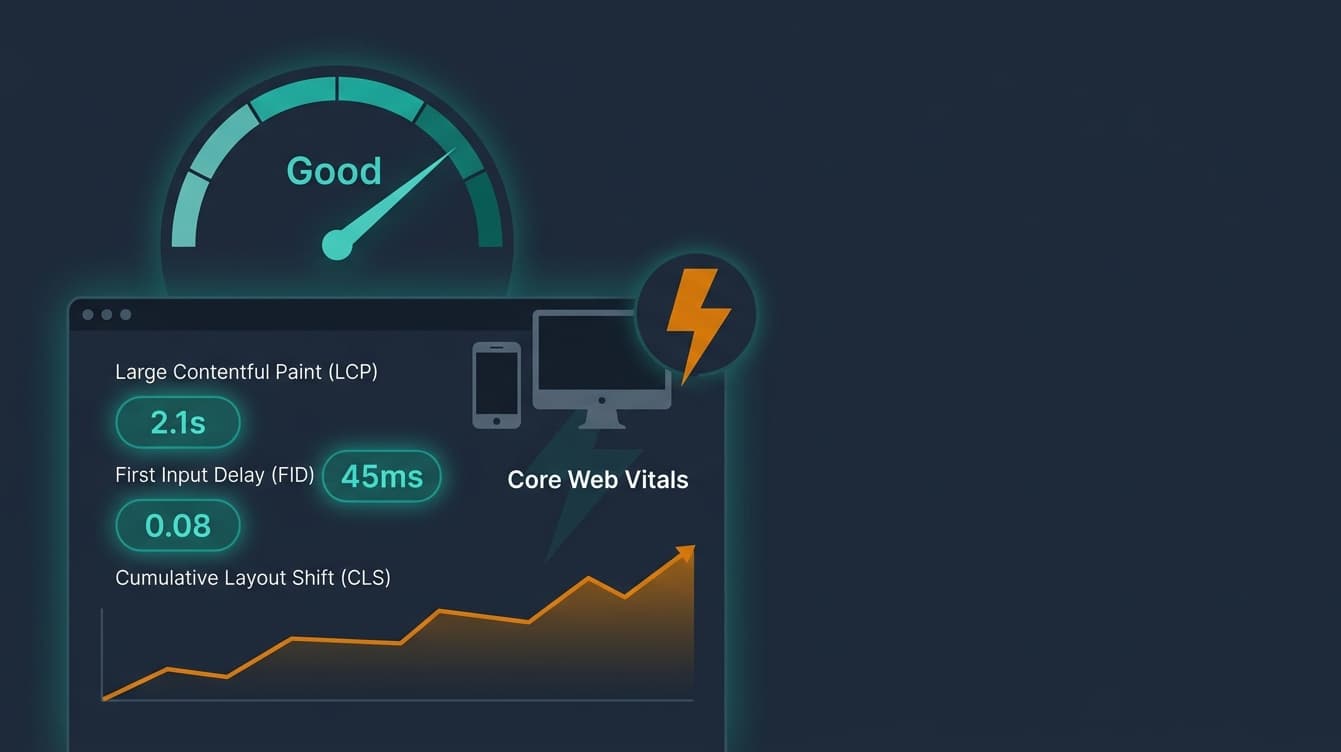
Core Web Vitals are three performance metrics - LCP, INP, and CLS - that Google uses as direct ranking signals. SA sites face steeper challenges here: slower average connection speeds (median mobile download of 28 Mbps vs 60+ Mbps in the UK) and widespread use of mid-range Android devices with limited processing power. For deep-dive optimisation strategies specific to each metric, see our Core Web Vitals optimisation guide.

Core Web Vitals: Target Thresholds (2026)
Largest Contentful Paint (LCP)
LCP measures how long your largest above-the-fold element takes to render. Target: under 2.5 seconds. In our experience, SA sites hosted on international servers (US or EU) typically add 200-400ms of latency before a single byte reaches the user's browser. We recently audited a Cape Town retailer whose hero image alone was 2.4 MB - their LCP sat at 6.1 seconds on mobile.
Fixes that consistently work for SA sites:
- Serve images in WebP or AVIF format with explicit
widthandheightattributes - Use a CDN with a Johannesburg or Cape Town edge node (Cloudflare, BunnyCDN, and AWS CloudFront all have SA presence)
- Preload your LCP element with
<link rel="preload"> - Inline critical CSS and defer the rest
Interaction to Next Paint (INP)
INP replaced First Input Delay (FID) in March 2024 and measures responsiveness across all user interactions, not just the first one. Target: under 200ms. FID only tracked the delay before the browser started processing your first click or tap. INP is stricter - it evaluates every click, tap, and keypress throughout the entire session, then reports the worst interaction (at the 98th percentile).
Many SA e-commerce sites struggle with INP scores above Google's 200ms threshold on mobile. The usual culprits: third-party chat widgets loading synchronously, unoptimised analytics scripts, and heavy JavaScript frameworks rendering on the main thread. Break long tasks into smaller chunks using requestIdleCallback or the scheduler.yield() API.
Cumulative Layout Shift (CLS)
CLS tracks unexpected visual movement of page elements during loading. Target: under 0.1, ideally under 0.05. Ads, images without dimensions, and dynamically injected banners are the primary offenders. On SA news sites, we regularly see CLS scores above 0.3 - largely from ad slots that resize after the page has already rendered.
Always set explicit dimensions on images, embeds, and ad containers. Use aspect-ratio in CSS for responsive media. Reserve space for any content loaded asynchronously.
Mobile-First Indexing in South Africa
Google indexes and ranks your site based on its mobile version, not desktop. This matters more in South Africa than almost anywhere else: most SA internet users access the web primarily via mobile, according to Stats SA and GSMA data. If your mobile experience is broken, your desktop rankings drop too. For page speed techniques, see our page speed optimisation guide.
In our audits, we consistently find these mobile-specific problems on SA business sites:
- Tap targets too small. Google requires at least 48x48 CSS pixels between interactive elements. This fails often, especially in footers and navigation menus.
- Content hidden behind accordions or tabs. Google does index hidden content, but it may carry less weight. If your most important selling points are tucked inside a collapsed FAQ, consider exposing them.
- Viewport not configured. Missing or incorrect
<meta name="viewport">tags cause mobile rendering failures. Every page needswidth=device-width, initial-scale=1.0. - Intrusive interstitials. Pop-ups that cover most of the screen on mobile can trigger a ranking penalty. This includes cookie banners that require interaction before content is visible.
Test every page using Chrome DevTools device emulation at 360x640 resolution (the most common SA mobile viewport) on a simulated 3G connection. If your site is usable at that speed, it will perform well for the majority of your audience.
South Africa's Unique Challenge: Load Shedding
Load shedding forces users onto mobile data with inconsistent signal quality, and it can knock your own server offline if you're self-hosting in SA. During stages 4-6, expect higher bounce rates, with the worst impact on pages that take more than 3 seconds to load. See our dedicated guide on page speed and load shedding for detailed SA-specific strategies.

Practical resilience measures we recommend to every SA client:
- Implement a service worker. Cache critical pages (homepage, product pages, contact page) so they load even when the connection drops mid-session.
- Lazy-load below-the-fold images. Use native
loading="lazy"- every image not visible on first screen should defer loading. - Minimise total page weight. Aim for under 500 KB per page on content-heavy sites. Strip unnecessary fonts, compress all assets, and eliminate render-blocking resources.
- Test on throttled connections. Chrome DevTools offers "Slow 3G" (400 Kbps) and "Fast 3G" (1.6 Mbps) presets. If your site works on Slow 3G, it survives load shedding conditions.
Crawlability and Indexing
If Googlebot cannot find and access your pages, those pages will not appear in search results - regardless of content quality. Crawlability issues are among the most common technical problems we find in SA site audits. It is common for a meaningful share of pages on a site to have at least one crawl barrier preventing proper indexation.
robots.txt Configuration
Your robots.txt file sits at your domain root and controls which pages search engine crawlers can access. We've seen SA sites accidentally block their entire /products/ directory or disallow CSS and JS files that Google needs to render the page correctly. Always verify your file at yourdomain.co.za/robots.txt and test it using Google Search Console's robots.txt tester.
XML Sitemaps
An XML sitemap tells Google which pages exist and when they were last updated. For SA businesses, this is especially important for new pages or sites with complex architectures. Key rules:
- Include only pages you want indexed - no redirects, no noindex pages, no error pages
- Keep each sitemap under 50,000 URLs (use sitemap index files for larger sites)
- Update
<lastmod>dates only when content genuinely changes - Google penalises false freshness signals - Submit your sitemap via Google Search Console and reference it in your
robots.txt
Crawl Budget and Orphan Pages
Google allocates a finite crawl budget to each domain. Sites under 10,000 pages rarely hit crawl budget limits, but wasting crawl resources on low-value URLs still delays indexation of important content. Large sites often accumulate orphan pages (pages with zero internal links pointing to them). Google frequently leaves these orphans unindexed.
Fix redirect chains (A → B → C should become A → C). Eliminate soft 404s - pages that return a 200 status but display error content. Consolidate duplicate content with canonical tags or 301 redirects.
Schema and Structured Data Implementation
Schema markup gives Google explicit signals about your content's meaning, which can trigger rich results and improve click-through rates. For SA businesses, LocalBusiness schema is particularly valuable - it connects your site to Google Maps, Knowledge Panels, and local pack results.
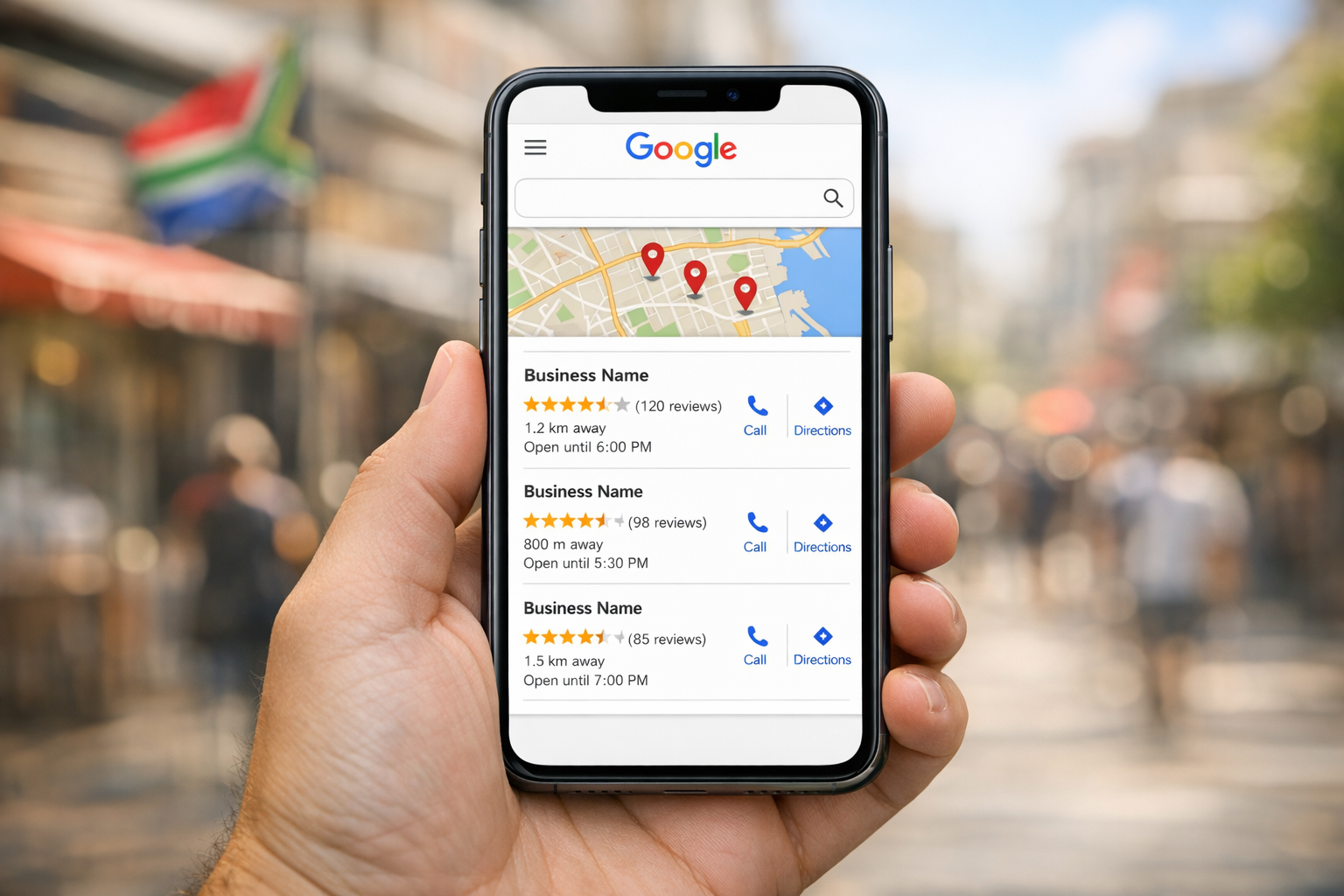
Priority schema types for SA businesses:
- LocalBusiness - name, address, phone, opening hours, geo-coordinates. Essential for any business with a physical location.
- FAQPage - triggers expandable FAQ snippets in search results. Pages with FAQ rich results often earn a higher CTR than those without.
- BlogPosting / Article - date, author, publisher info. Helps Google attribute content correctly and can surface articles in Top Stories.
- BreadcrumbList - improves how your URL appears in search results with a structured path instead of a raw URL.
- Product + AggregateRating - for e-commerce sites, these trigger star ratings and price display in search results.
Validate your markup at validator.schema.org and check for errors in Google Search Console's Rich Results report. Many SA sites with schema markup have validation errors that prevent rich results from appearing.
HTTPS, Security, and Trust Signals
HTTPS is a confirmed Google ranking factor, and Chrome flags any HTTP page as "Not Secure" - a trust-killer for SA consumers already cautious about online transactions. Despite this, we still encounter SA business sites running on HTTP, particularly smaller businesses using older hosting packages from local providers.
What you need to get right:
- SSL/TLS certificate. Most SA hosting providers (Afrihost, Hetzner, MWEB) offer free Let's Encrypt certificates. There is no excuse for running HTTP in 2026.
- Mixed content. A single HTTP image or script on an HTTPS page triggers browser warnings. Audit every page for mixed content using Chrome DevTools (Console tab, filter for "Mixed Content").
- HSTS headers. HTTP Strict Transport Security tells browsers to always use HTTPS. Add
Strict-Transport-Security: max-age=31536000; includeSubDomainsto your server headers. - Security headers. Implement
X-Content-Type-Options: nosniff,X-Frame-Options: SAMEORIGIN, and a Content Security Policy. These protect your users and signal trustworthiness to search engines.
For SA e-commerce and financial services sites, trust signals matter even more. Displaying your FSCA registration, POPIA compliance badge, or payment gateway security logos alongside proper HTTPS implementation builds the confidence that converts browsers into buyers.
Frequently Asked Questions
What is the difference between on-page SEO and technical SEO?
On-page SEO covers content-level optimisation: keywords, headings, meta descriptions, internal linking, and readability. Technical SEO covers infrastructure: page speed, crawlability, mobile responsiveness, HTTPS, schema markup, and server configuration. Both disciplines must work together. A site with excellent content but broken crawlability will not rank.
How do I check my Core Web Vitals scores?
Use PageSpeed Insights for field data (real user metrics) and lab data (simulated tests). Google Search Console's Core Web Vitals report groups your pages by status (Good, Needs Improvement, Poor). Always check mobile and desktop separately - in SA, mobile scores are typically noticeably worse than desktop due to device and network constraints.
Does load shedding directly affect my Google rankings?
Not directly - Google does not penalise you specifically for load shedding. But the indirect effects are real. If your server goes offline during a Googlebot crawl, that page returns a 5xx error and may be temporarily dropped from the index. If users on spotty mobile connections abandon your slow-loading site, your engagement metrics suffer. The fix is resilience: CDN hosting, service workers, and minimal page weight.
Why did Google replace FID with INP?
FID only measured the delay before the browser started processing your first interaction. INP (Interaction to Next Paint) measures responsiveness across every interaction during the full session and reports the slowest one (at the 98th percentile). This gives a more accurate picture of real-world usability. If your site passed FID but feels sluggish after initial load, INP will expose that.
How often should I run a technical SEO audit?
At minimum, quarterly. Run an additional audit after any major site change - a redesign, CMS migration, new hosting provider, or large content push. We recommend monthly crawls using tools like Screaming Frog or Sitebulb, with a full manual review every 90 days. In our experience, sites that audit quarterly catch indexation issues 3-4 weeks earlier than those auditing annually. Pair each audit with a competitor analysis so you know whether your fixes are actually closing the gap.
Ready to Fix Your Technical Foundation?
A technical SEO audit reveals hidden issues costing you rankings. Get your free analysis within 24 hours.
Get Your Free Technical SEO Audit →