
On This Page
How Load Shedding Affects Website Performance
During Stage 4+ load shedding, South Africa's network becomes congested. Users experience: Load shedding impact is unique to South African technical SEO-learn the complete technical SEO strategy in our comprehensive technical SEO guide.
- Slower DNS resolution (+300-500ms delays)
- Higher packet loss (retransmissions increase)
- Connection timeouts and dropped requests
- Mobile users switching between networks (4G → 3G)
A site that loads in 2 seconds normally might take several seconds longer during heavy load shedding. Bounce rates spike.
Quick Wins: Implement These First (Week 1)
30-Day Site Speed Optimization Roadmap
- Enable Gzip
- Minify CSS/JS
- Lazy load images
- Cloudflare (free)
- 5-min setup
- Faster load times
- Monitor & refine
- Service Workers
- Offline cache
1. Enable Gzip Compression
Cuts file size sharply with zero effort.
- If you use WordPress: Install WP Super Cache or W3 Total Cache (enable gzip)
- If you use Nginx: Add to config:
gzip on; - If you use Apache: Enable mod_deflate in .htaccess
2. Minify CSS & JavaScript
- WordPress: Use Autoptimize plugin
- Shopify: Built-in minification (automatic)
- Custom sites: Use online minifiers (minify-js.com)
3. Lazy Load Images
Images below the fold load only when user scrolls to them.
<img loading="lazy" src="image.jpg">
Expected gain: noticeably faster initial page load
Intermediate: CDN Setup (Week 2)
What is a CDN?
A CDN (Content Delivery Network) stores copies of your site on servers worldwide. When a user visits, they're served from the closest server, bypassing congested networks.
Cloudflare Free (Recommended for SA)
- Cost: FREE
- Setup time: 5 minutes
- Performance gain: noticeably faster loads
How to setup:
- Go to cloudflare.com
- Sign up (free tier)
- Add your domain
- Change nameservers (Cloudflare will guide you)
- Wait 24 hours for propagation
💡 Pro Tip: Enable "Brotli compression" (better than gzip) in Cloudflare dashboard under Speed > Optimization. It's a one-click setting.
Advanced: Connection-Aware Loading (Week 3-4)
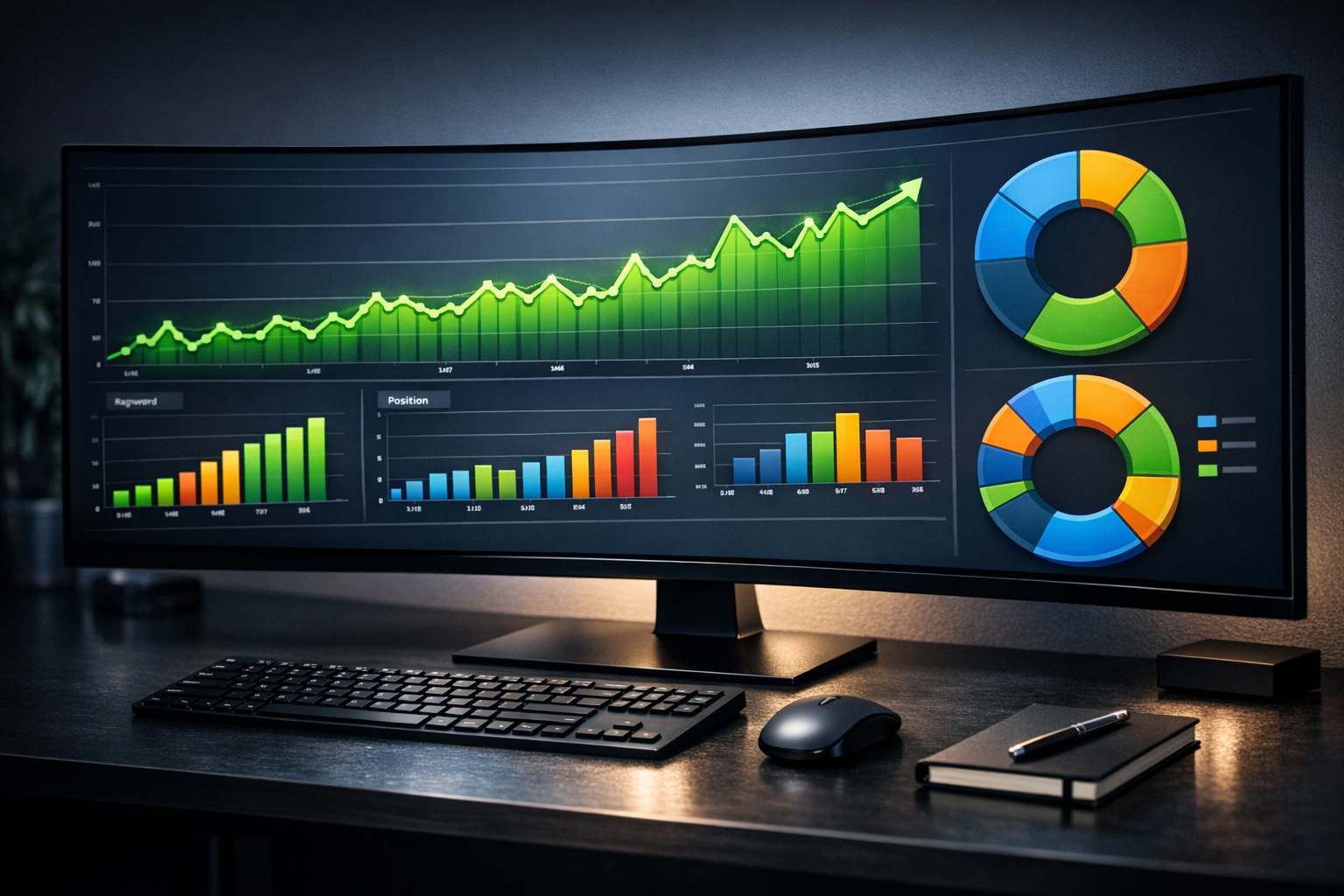
Detect network speed and serve lower-quality images to slow connections.
// Detect 4G vs 3G connection
if (navigator.connection.effectiveType === '4g') {
  // Load high-res images
} else if (navigator.connection.effectiveType === '3g') {
  // Load compressed images
}
This keeps 3G users under 3 seconds while 4G users get full quality.
Service Workers & Offline Cache
Service Workers cache your site locally, so users can see cached pages even during network drops.
Benefit: During Stage 5-6 load shedding, your site stays accessible while competitors' go blank.
Performance Monitoring During Load Shedding
Track how your site performs during peak load shedding hours (18:00-23:00 typically):
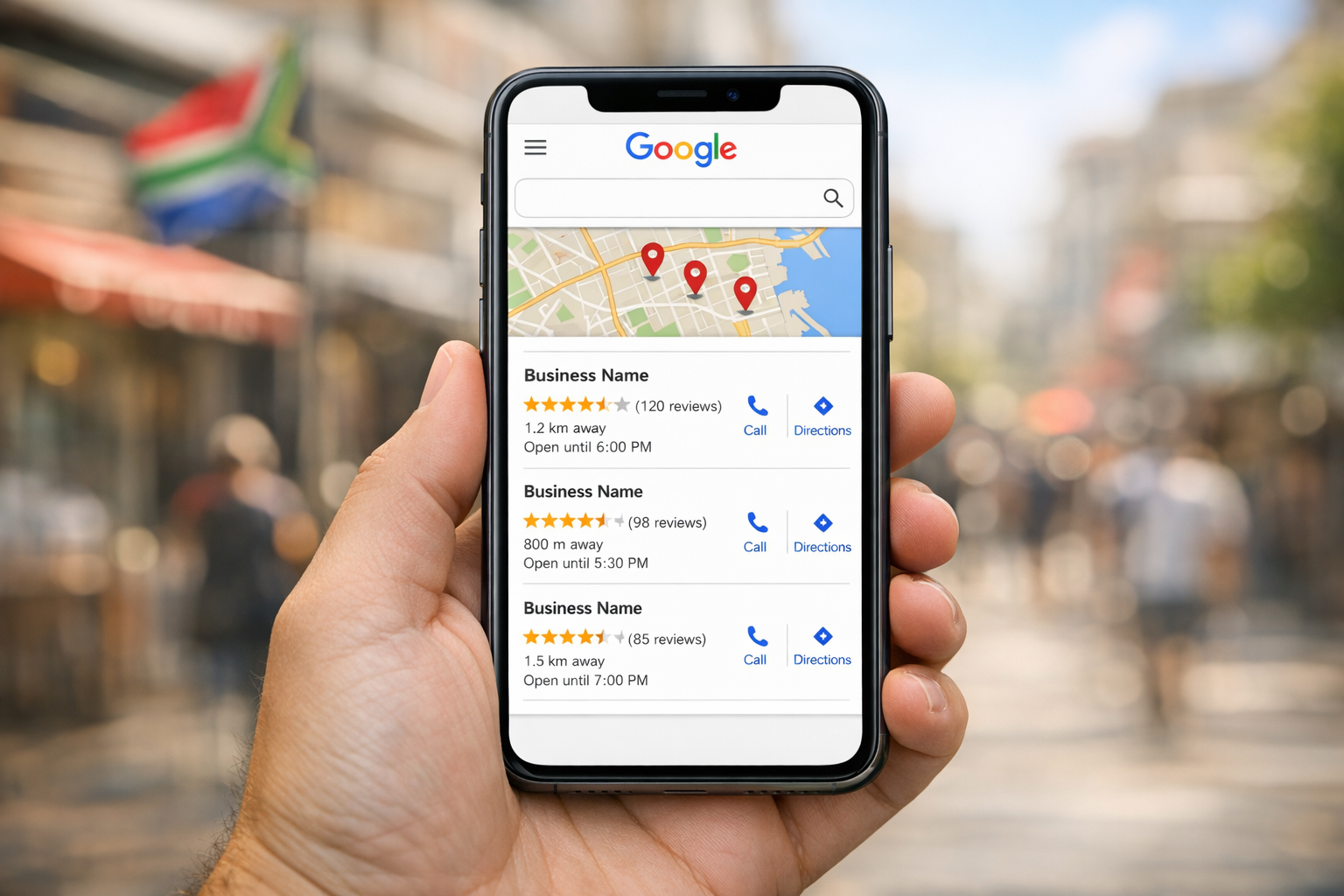
- Setup performance alerts in Google Search Console
- Compare metrics before/after load shedding starts
- Monitor bounce rate increases (sign of slowness)
- Track revenue impact (slower = fewer conversions)
Action Plan: 30 Days
Days 1-7: Enable gzip, minify CSS/JS, lazy load images
Days 8-14: Setup Cloudflare CDN
Days 15-30: Monitor + refine, consider Service Workers
Need Help Optimizing?
Let us set up CDN and speed optimization for your site. Fast websites convert more visitors during load shedding hours.
Book Your Free Speed AuditFrequently Asked Questions
How does load shedding affect website performance?
During Stage 4+ load shedding, DNS resolution slows, packet loss increases, connection timeouts occur, and mobile users switch between networks. A normally 2-second load time can stretch to several seconds, causing bounce rates to spike.
What is the quickest way to improve site speed?
Enable gzip compression (a large file size reduction), minify CSS/JavaScript, and implement lazy loading for images. These can be done in Week 1 with zero technical overhead.
Is Cloudflare CDN really free for South Africa?
Yes. Cloudflare's free tier works globally including South Africa, noticeably improves load times, and requires only 5 minutes to set up. It's the recommended starting point for SA businesses.
Can connection-aware loading help during load shedding?
Yes. By detecting 3G vs 4G connections and serving lower-quality images to slower connections, you can keep 3G users under 3 seconds while giving 4G users full quality.
How do I monitor site speed during load shedding?
Use Google PageSpeed Insights during peak load shedding hours (18:00-23:00), set up performance alerts in Google Search Console, and compare bounce rates before and after load shedding starts. Tools like Lighthouse can be run regularly to track improvements.
Does load shedding directly hurt SEO rankings?
Indirectly, yes. Slow sites during load shedding increase bounce rates, and Google's crawlers may timeout or deprioritise pages. Optimising for speed improves user signals that Google uses for ranking.