On This Page
Why Has Your Business Vanished from Google Search?
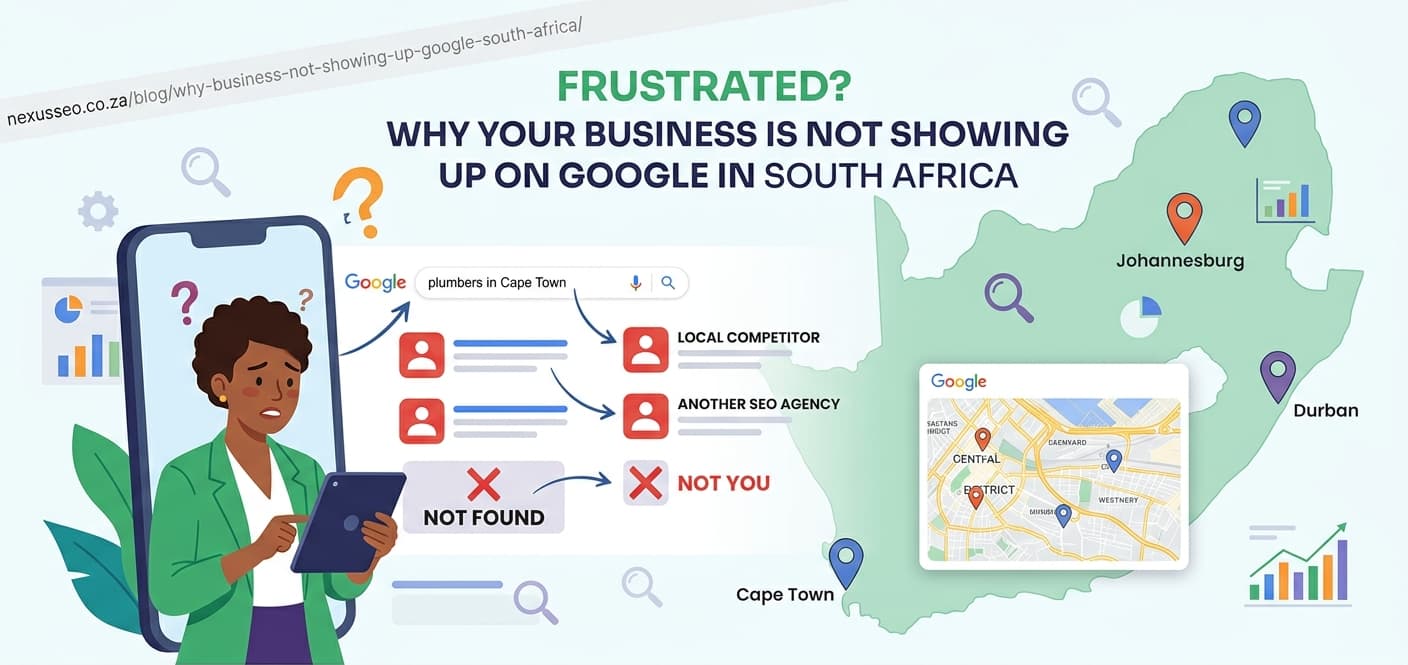
You search your business name on Google. Nothing. You try your product. Still nothing. It feels like your company has vanished from the internet entirely.
You are not alone. Thousands of South African business owners face the same frustration every month. The good news? In most cases, the problem is fixable. You just need to know where to look.
This guide covers the 8 most common reasons businesses disappear from Google Search and Google Maps. Each section includes a clear diagnosis method and a step-by-step fix. At the end, you will find a 48-hour emergency recovery plan you can start right now.
Want a Professional Diagnosis?
Our AI Visibility Audit scans your entire online presence in 24 hours and tells you exactly why you are not ranking.
Get Your Free Audit8 Reasons Your South African Business Has Disappeared from Google
1. Your Google Business Profile Is Incomplete or Suspended
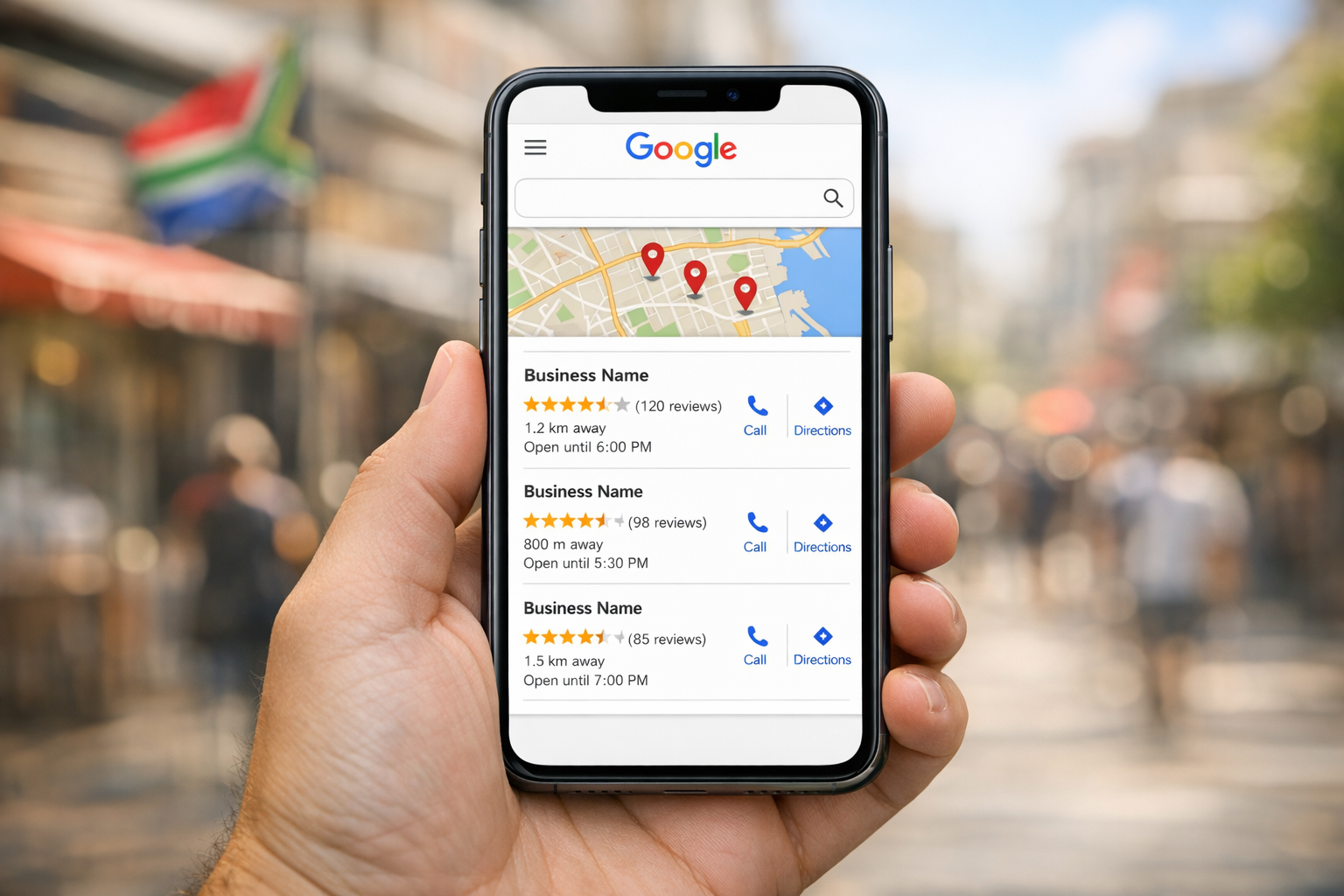
Your Google Business Profile (formerly Google My Business) is the single most important factor for local search visibility in South Africa. If it is incomplete, unverified, or suspended, your business will not appear in the Map Pack or local search results.
Common causes:
- Never completed verification (postcard, phone, or video)
- Suspended for violating Google's guidelines (keyword stuffing in business name, fake address, multiple listings)
- Marked as "permanently closed" by a competitor or mistake
- Category mismatch - wrong primary category selected
How to diagnose: Log into Google Business Profile Manager. Check your verification status and look for suspension notices. Search your exact business name on Google - if you see no Knowledge Panel on the right, your profile is not active.
Fix: Complete verification if pending. If suspended, submit a reinstatement appeal through the GBP dashboard. Remove any guideline violations first - especially keyword-stuffed business names.
2. Your Website Is Not Indexed (Or Has Been De-indexed)
If Google has not crawled and stored your web pages, they cannot appear in search results. This is called indexing. A brand-new website may simply not have been discovered yet. An older site may have accidentally blocked crawlers.
How to diagnose: Type site:yourdomain.co.za into Google. If zero results appear, your site is not indexed at all. If some pages are missing, check the Coverage report in Google Search Console (GSC) for specific errors.
Common causes:
- A
noindexmeta tag left in your HTML from a staging environment - Your
robots.txtfile blocks Googlebot from crawling key pages - The site was recently migrated and redirects were not set up properly
- Google issued a manual action (penalty) for spam or policy violations
Fix: Remove any noindex tags. Check your robots.txt at yourdomain.co.za/robots.txt and ensure it does not block important paths. Submit your XML sitemap in Google Search Console. Use the URL Inspection tool to request indexing for your most important pages.
3. Technical Errors Are Blocking Search Engine Crawlers
Even if your site is not explicitly blocked, technical problems can prevent Googlebot from crawling it properly. Server errors, broken redirects, and malformed HTML all reduce crawl efficiency.
Common technical issues for South African sites:
- 5xx server errors - your hosting provider is unreliable or overloaded
- Redirect chains - page A redirects to B, which redirects to C, which redirects to D
- Orphan pages - important pages with no internal links pointing to them
- Duplicate content - HTTP and HTTPS versions both accessible, or www and non-www not consolidated
- Missing schema markup - no structured data to help Google understand your content
Fix: Run a crawl with Screaming Frog or Google Search Console. Fix server errors first. Consolidate duplicate URLs with 301 redirects. Add a self-referencing canonical tag to every page. Implement JSON-LD schema for your business type.
4. You Have No Backlinks or Local Citations
Backlinks are votes of confidence from other websites. Local citations are mentions of your business name, address, and phone number (NAP) on directories and listing sites. Without either, Google has no external signals to trust your website.
How to diagnose: Use a free backlink checker (Ahrefs Webmaster Tools, Moz Link Explorer) to see how many referring domains point to your site. If the number is under 10, lack of authority is likely your main issue.
Fix:
- List your business on the top South African directories: Yellow Pages SA, Brabys, Snupit, HelloPeter, Yell.co.za
- Ensure NAP is consistent everywhere (exact same name, address, phone format)
- Ask suppliers, partners, and industry associations to link to your site
- Create link-worthy content: original research, free tools, or comprehensive guides
5. Your Content Is Thin or Duplicated
Google's Helpful Content System demotes pages that exist only to rank rather than to inform. If your pages have fewer than 300 words, copy text from other sites, or repeat the same template across multiple pages with only a city name swapped - you have a thin content problem.
Signs of thin content:
- Service pages with only 100-200 words and no unique value
- Blog posts that restate what is obvious without adding original insight
- Location pages that are identical except for the city name
- Product pages copied directly from manufacturer descriptions
Fix: Audit your content. Identify pages under 500 words that target competitive keywords. Either expand them with original, useful information (expert opinions, local data, real examples) or consolidate multiple thin pages into one comprehensive guide. Aim for 1,500+ words on important pages.
6. Page Speed Is Killing Your Rankings
Google uses Core Web Vitals as a ranking factor. If your website takes more than 3 seconds to load, you are losing both rankings and customers. This is especially critical in South Africa, where many users browse on mobile data with slower connections.
How to diagnose: Test your site at PageSpeed Insights. Focus on three metrics: Largest Contentful Paint (LCP) under 2.5 seconds, Interaction to Next Paint (INP) under 200 milliseconds, and Cumulative Layout Shift (CLS) under 0.1.
Common speed killers on SA sites:
- Uncompressed images (a single 5 MB hero image on 3G takes 40+ seconds)
- No CDN - serving from a European or US server adds 200-400 ms latency
- Render-blocking JavaScript and CSS
- No caching headers set
Fix: Compress images to WebP format. Use a CDN like Cloudflare (free tier is sufficient for most SA businesses). Defer non-critical JavaScript. Enable browser caching. Read our full guide on site speed optimisation for South African conditions.
Not Sure Which Problem You Have?
Our technical SEO audit identifies every issue holding your site back - with a prioritised fix list.
Book a Free Technical Audit7. Mobile Experience Fails Core Web Vitals
Most South African internet users access Google on mobile devices. Google uses mobile-first indexing, meaning it ranks your site based on the mobile version - not desktop. If your site is not responsive or has mobile usability errors, your rankings will suffer.
How to diagnose: Check the Mobile Usability report in Google Search Console. Test individual pages with Google's Mobile-Friendly Test. Common failures include text too small to read, clickable elements too close together, and content wider than the screen.
Fix: Implement responsive design. Ensure tap targets are at least 48x48 pixels with adequate spacing. Use viewport meta tags. Test on actual devices - emulators do not catch every issue. Pay special attention to forms and navigation menus.
8. Your Competitors Simply Outrank You
Sometimes your site is indexed, fast, and mobile-friendly - but you still do not appear on page one. The reality is that page one only has 10 organic slots. If your competitors have stronger domain authority, better content, and more backlinks, they will occupy those positions.
How to diagnose: Search your target keywords. Study the top 5 results. Compare their content depth, backlink profiles, domain age, and topical authority against yours. If they have 50 referring domains and you have 3, you have identified the gap.
Fix: This requires a long-term local SEO strategy, not a quick fix. Focus on:
- Building topical authority - publish comprehensive content in your niche
- Earning quality backlinks from SA publications and directories
- Optimising your Google Business Profile with reviews, posts, and photos
- Improving user engagement signals (lower bounce rate, longer time on page)
The 48-Hour Emergency Recovery Plan
If your business has suddenly vanished from Google, follow these five steps in order. Most businesses can identify and begin fixing the root cause within 48 hours.

| Step | Action | Time Required |
|---|---|---|
| 1 | Check Google Search Console for manual actions | 10 minutes |
| 2 | Verify indexing status with URL Inspection tool | 15 minutes |
| 3 | Fix critical technical errors (noindex, robots.txt, 5xx) | 1-4 hours |
| 4 | Verify or reclaim your Google Business Profile | 15 minutes (+ wait for verification) |
| 5 | Request re-indexing and monitor for 48 hours | 10 minutes + monitoring |
Step 1: Check for Manual Actions
Log into Google Search Console. Navigate to Security & Manual Actions > Manual Actions. If you see a penalty, Google tells you exactly what the violation is and what to fix.
Common manual actions in South Africa include unnatural inbound links (from paid link schemes), thin content with no added value, and user-generated spam (forum or comment spam).
Step 2: Verify Your Indexing Status
Use the URL Inspection tool in Search Console. Paste your homepage URL. The tool tells you whether the page is indexed, when it was last crawled, and whether Google detected any issues. If it says "URL is not on Google," look at the reason:
- Blocked by robots.txt - edit your robots.txt to allow access
- Noindex detected - remove the meta noindex tag from your HTML
- Redirect error - fix broken redirect chains
- Server error (5xx) - contact your hosting provider
Step 3: Fix Critical Technical Errors
Check the Pages report (formerly Coverage) in Search Console. Sort by errors first. Prioritise:
- Server errors (5xx) - these prevent crawling entirely
- Redirect errors - fix loops and chains
- Submitted URL marked 'noindex' - remove conflicting noindex directives
- Soft 404s - pages that load but have no content
Step 4: Verify Your Google Business Profile
Go to business.google.com. If your profile shows "Suspended," submit a reinstatement request. If it says "Pending verification," complete the verification process. If you cannot find your listing, create a new one - but only if you are certain no duplicate exists.
Step 5: Request Re-indexing and Monitor
After fixing issues, go back to the URL Inspection tool. Submit each corrected page for re-indexing. Google typically processes these requests within 24-48 hours, though it can take up to two weeks for competitive pages.
Monitor daily by searching site:yourdomain.co.za and checking your brand name in Google. Track progress in Search Console's Performance report.
When to Call an SEO Agency Instead of DIY
Some problems go beyond a quick fix. Consider professional help if:

- Your site has been penalised and you are unsure what caused it
- You have hundreds of pages with technical errors across the site
- Competitors significantly outrank you despite your best efforts
- You have tried the 48-hour recovery plan and nothing has changed after two weeks
- Your revenue depends on search visibility and you cannot afford trial-and-error
At NexusSEO, we have recovered businesses from Google penalties, rebuilt search visibility after botched migrations, and helped companies in Johannesburg, Durban, Cape Town, and Pretoria move from page 3 to position 1. Our AI Visibility Audit identifies every issue in 24 hours - with a prioritised action plan you can follow yourself or hand to us to implement.
Frequently Asked Questions
How long does it take to appear on Google after fixing issues?
It depends on the issue. Minor fixes like updating your Google Business Profile can show results within 24-72 hours. Technical fixes such as removing noindex tags or submitting a new sitemap typically take 3-14 days. Major changes like recovering from a manual penalty or rebuilding domain authority can take 2-6 months.
Why does my business show on Google Maps but not in search results?
Google Maps and organic search are separate systems. Your Google Business Profile powers Maps visibility, while your website powers organic rankings. If you appear on Maps but not in search results, your website likely has indexing problems, thin content, or technical SEO issues. Check Google Search Console for specific errors.
Can a Google penalty be reversed?
Yes. Manual penalties can be reversed by fixing the violation and submitting a reconsideration request through Google Search Console. Most businesses see recovery within 2-4 weeks after approval. Algorithmic drops (like a Helpful Content update) require fixing the underlying quality issues and waiting for Google to recrawl your site - this can take 2-6 months.
Does paying for Google Ads help organic rankings?
No. Google Ads and organic search are entirely separate systems. Paying for ads does not improve your organic rankings. However, running ads while fixing SEO issues keeps your business visible and generates traffic during the recovery period. Think of ads as a bridge, not a solution.
How do I check if my site is indexed by Google?
Type site:yourdomain.co.za into Google Search. If your pages appear in the results, they are indexed. If nothing appears, your site is not indexed. For detailed information, use the Index Coverage report in Google Search Console - it shows exactly which pages are indexed, excluded, or have errors preventing indexing.
Stop Being Invisible on Google
Get a comprehensive AI Visibility Audit that identifies every technical, content, and authority issue keeping your business off page one.
Get Your Free Visibility Audit